Skip to content

Case study 05 · Portfolio build · 2026

Accessible
by default.

Harbor is a community-centre website built twice, once in Elementor V4 and once in core Gutenberg blocks, to show that accessibility can be the starting point of a template, not a fix at the end.

(01) — At a glance

Role, team & stack.

Role

Design & build

Concept, design and both builds.

Builds

Two

Elementor V4 atomic elements and core Gutenberg blocks, same content and design.

Standard

WCAG 2.2 AA

Contrast, focus, structure and motion checked against AA.

Stack

Elementor V4 · Gutenberg

WordPress 7.1, Elementor 4.4 atomic elements, core blocks with custom CSS.

(02) — The problem

What needed solving.

Most templates are designed to look good in a screenshot. Accessibility gets bolted on later, if at all: low-contrast text, links only distinguished by colour, focus outlines removed, headings chosen for their size, not their meaning.

I wanted a template where a site owner who never thinks about accessibility still ships an accessible site, and to find out whether Elementor V4 and Gutenberg can both get there.

(03) — The approach

How I tackled it.

01

Structure first

Real landmarks (header, nav, main, footer), one H1 and a logical heading order, and a visible “Skip to main content” link to #main.

02

Readable by default

Large body text, AA contrast on every colour pair, underlined links, buttons that look like buttons, and plain-language copy.

03

Keyboard and motion

A visible focus style on every control and nothing that only works on hover. The Gutenberg build also honours the visitor’s reduced-motion setting.

04

Measure and fix

PageSpeed Insights on both builds. It caught a skip link from a site-wide plugin pointing at a target that doesn’t exist on the Elementor page, the only accessibility audit it failed.

(04) — Tech used

Tools of the job.

Elementor build: Elementor 4.4 V4 atomic elements (flexbox, grid, heading, paragraph, button, image) with variant styles for hover and focus. Gutenberg build: core blocks (group, columns, table, accordion), the Font Library, and a small CSS layer for focus and fluid type. A Gutenberg quirk: fluid typography shrank body text on phones, fixed with a 17px minimum.
(05) — Results

What changed.

Gutenberg accessibility

100

Lighthouse, mobile and desktop.

Elementor accessibility

96

The one failure is the plugin skip link above; with it fixed the build has no failing accessibility audits.

Gutenberg performance

97

Mobile. LCP 1.7 s, CLS 0.004, no blocking time.

Total blocking time

0 ms

Both builds, mobile.

(06) — Lighthouse

Measured, not claimed.

Elementor performance · Mobile / desktop

89 / 96

Elementor accessibility · Mobile / desktop

96 / 96

Gutenberg performance · Mobile / desktop

97 / 95

Gutenberg accessibility · Mobile / desktop

100 / 100

PageSpeed Insights (Lighthouse), run on 23 November 2026.

(07) — Before & after

Then and now.

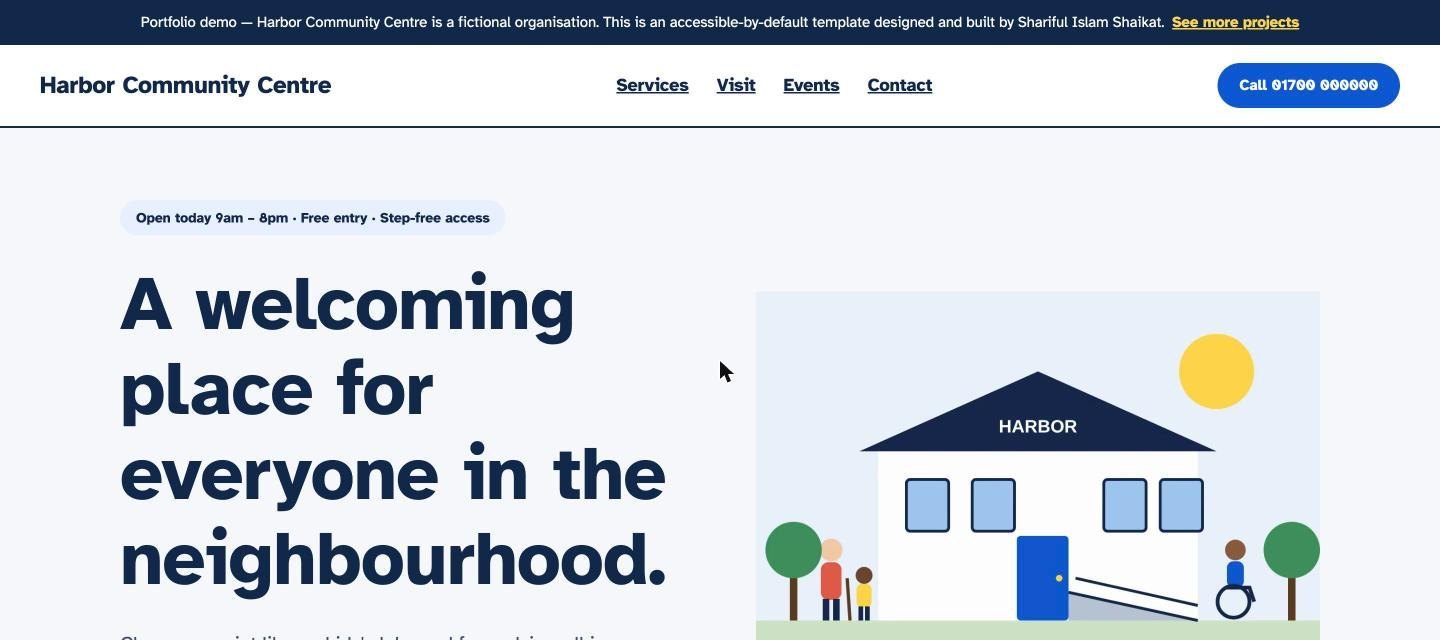
Harbor Community Centre template built in Elementor

Elementor V4 build

Harbor built with Elementor’s V4 atomic elements.

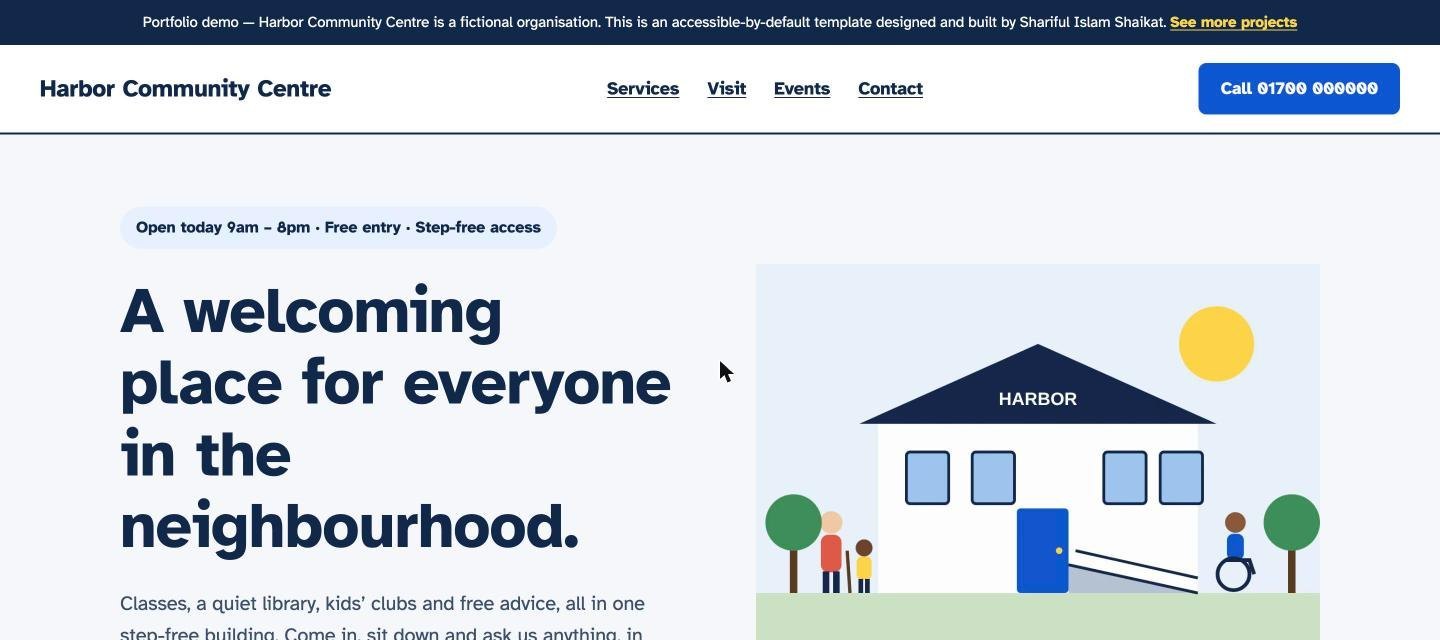
Harbor Community Centre template built in Gutenberg

Gutenberg build

The same design in core Gutenberg blocks.

(08) — Sources

Check my work.

Live builds: Elementor version · Gutenberg version. Scores from PageSpeed Insights (Lighthouse) on 23 Nov 2026. Best Practices 100 and SEO 92 on both builds; SEO is held back only by a missing meta description.

Let's talk

Got a project?
Let's make it move.

Freelance builds, product collaborations, or a long-term partner for your agency. I’m open to it.